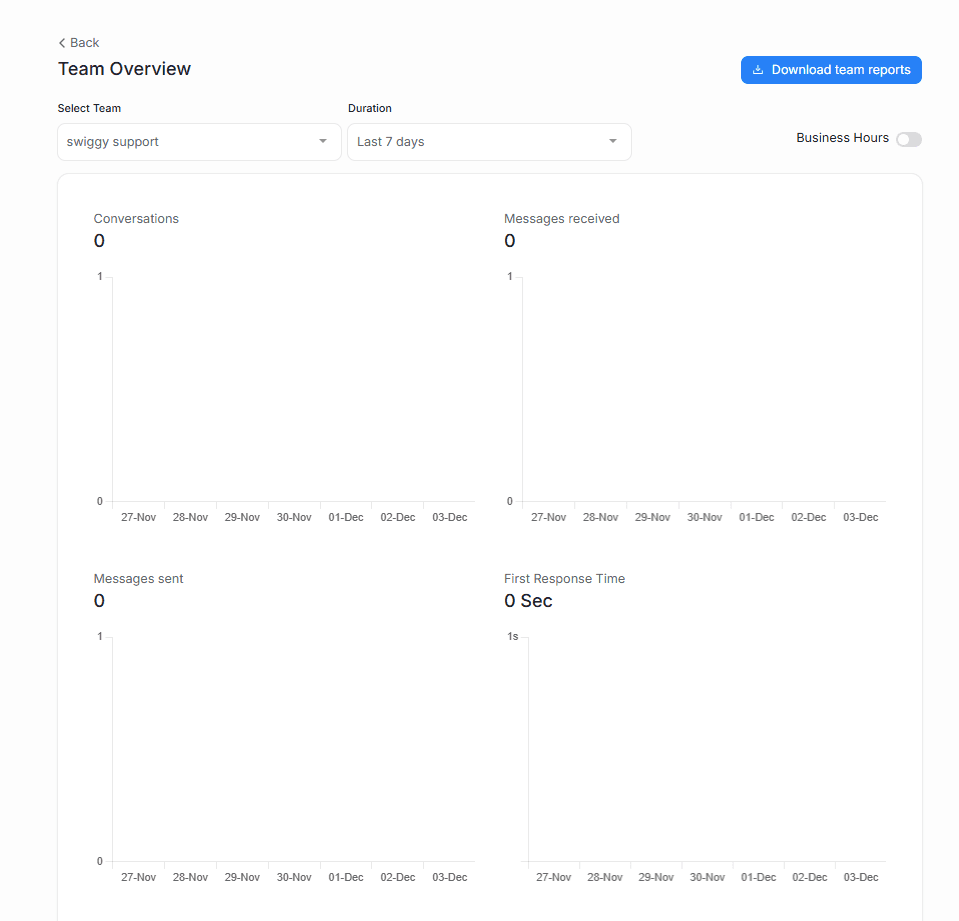
Track how each of your teams is performing, with auto-updating reports
Get insight into your teams—see which ones get the most conversations, what the resolution times look like, and more.
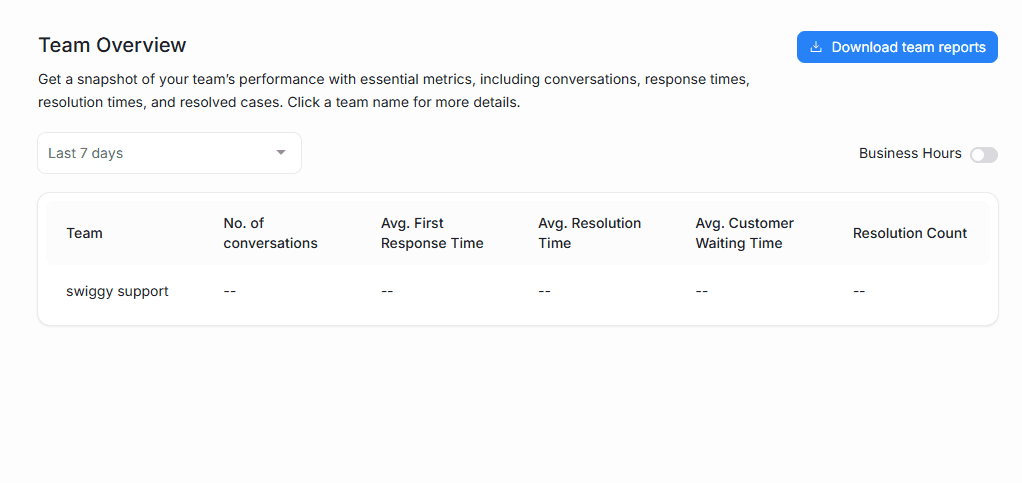
Easy-to-understand data presentation
Driansh OmniConnect calculates and updates your metrics in the background. See how busy a particular team has been, or what the resolution times look like over time, with a bar graph.
Filters to see only what you want to see
Set custom date ranges, group your graph by day/week/month, and enable Business Hours to view and download custom team reports. Pinpoint teams that need extra resources instantly.