
Let customers know you're not available to answer their questions
Set office hours for your inbox channels, and display a custom Unavailable Message to your visitors.
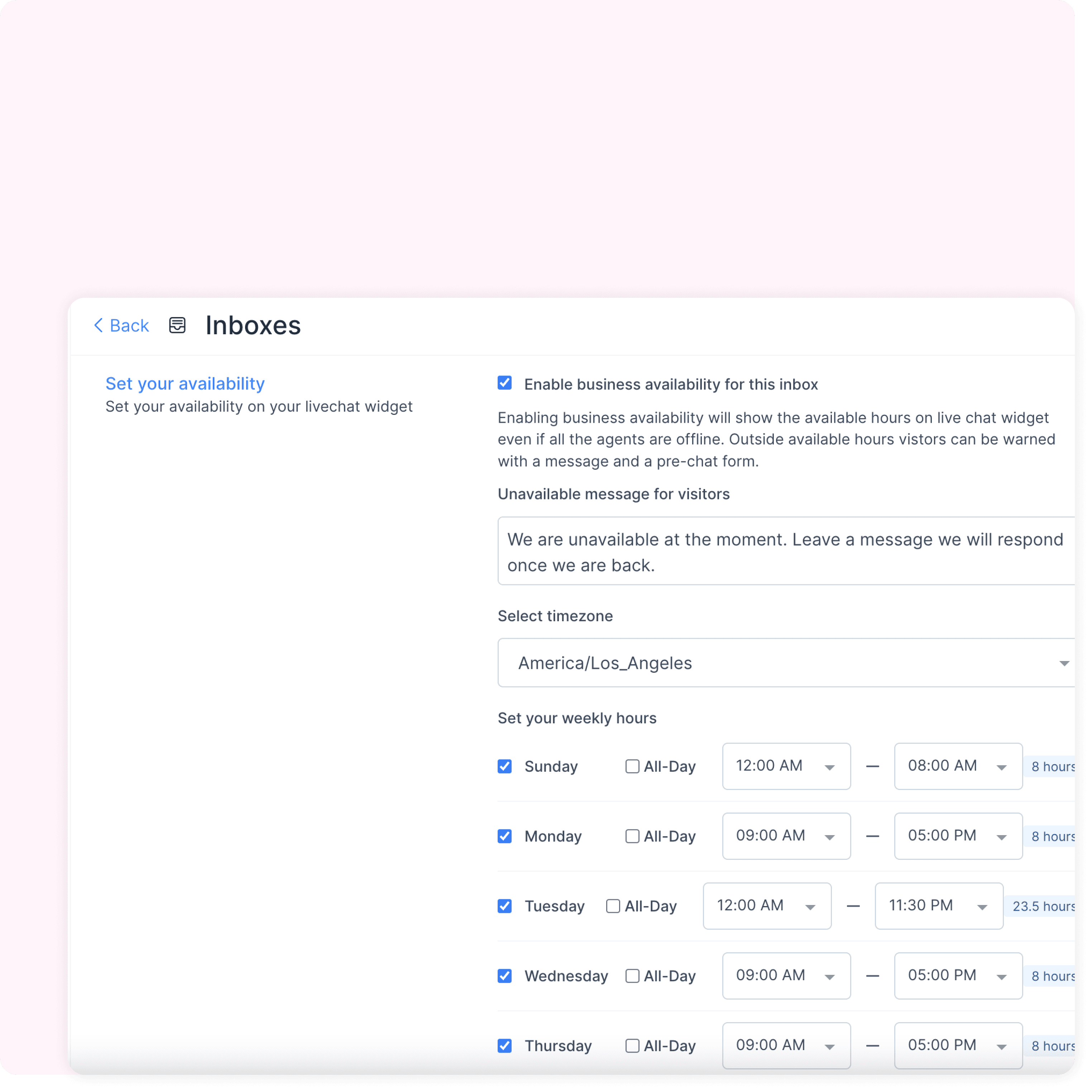
Set your daily working hours and Unavailability message
Set your working hours defined by time zone, and let your visitors know that you or your team is currently not working.
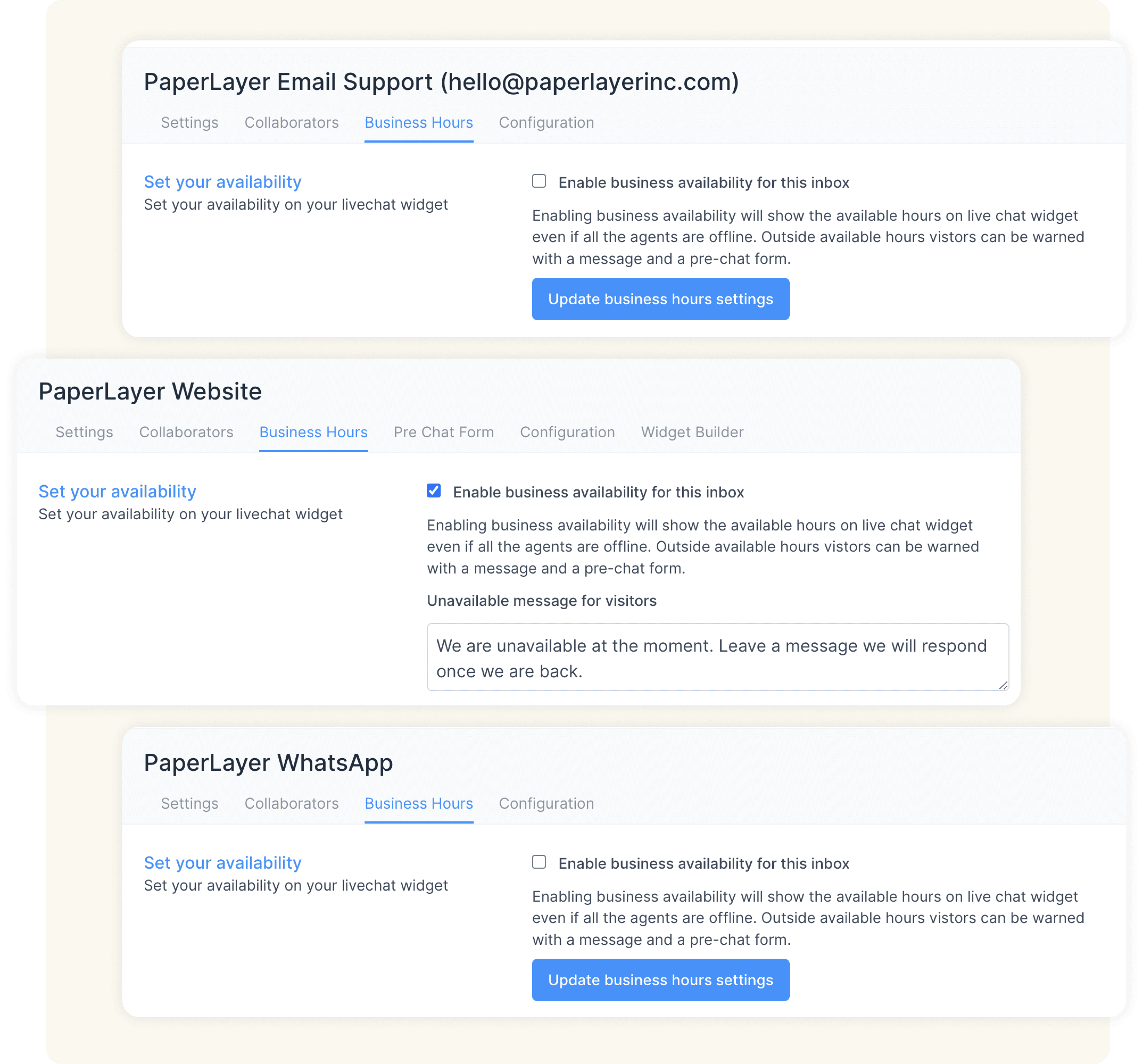
Set Business Hours for every inbox separately
Your Business Hours settings are not account-wide. Select custom Business Hours for every inbox (and hence, the agents associated with that inbox) configured on your Driansh OmniConnect account, separately.
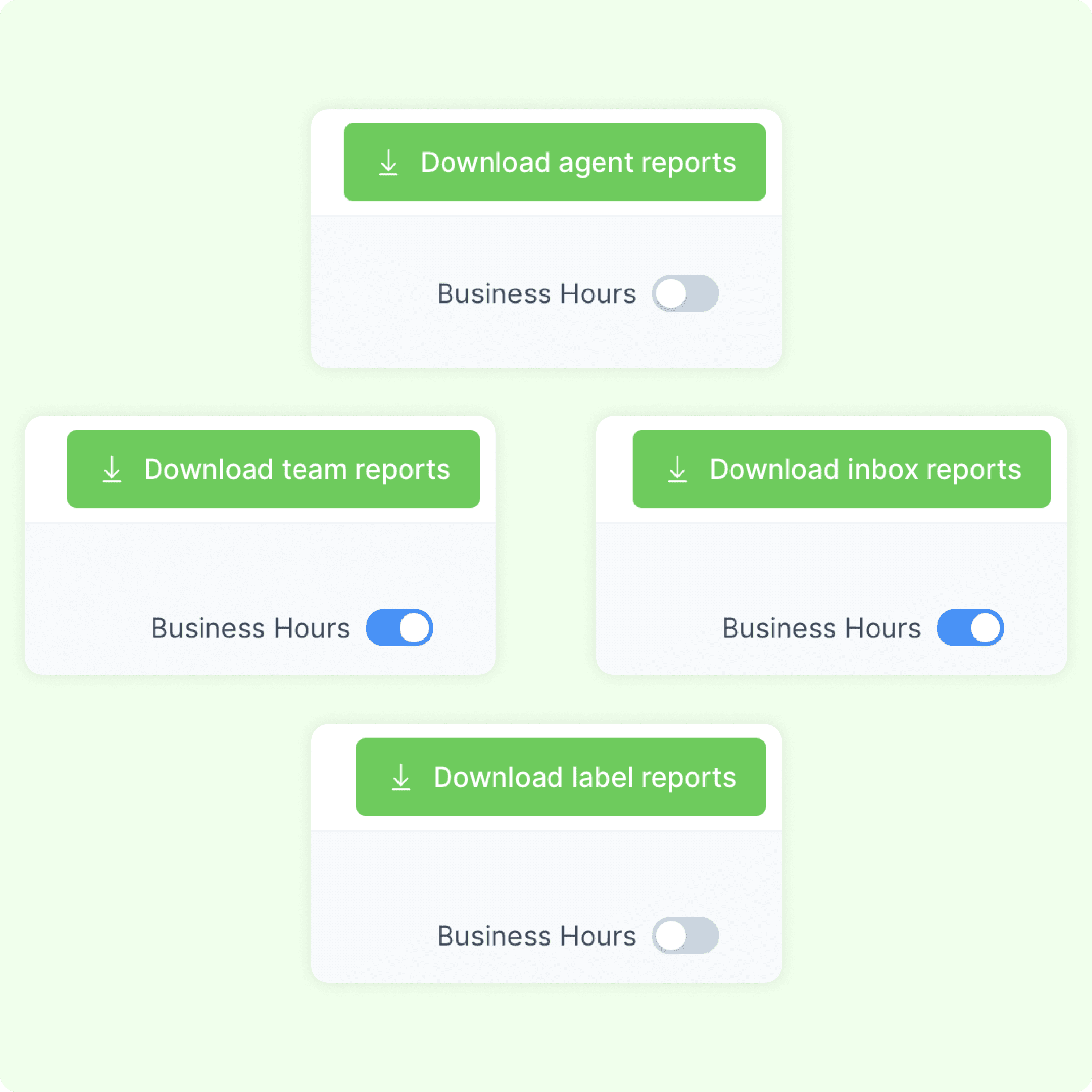
Adjust your performance reports for Business Hours
Get the correct sense of your account's performance and metrics. View your Conversation, Agent, Inbox, Label and Team Reports - with or without data adjusted for Business Hours.