
Easily organize your conversations with labels
Be better organized about conversations by labelling them for future reference.
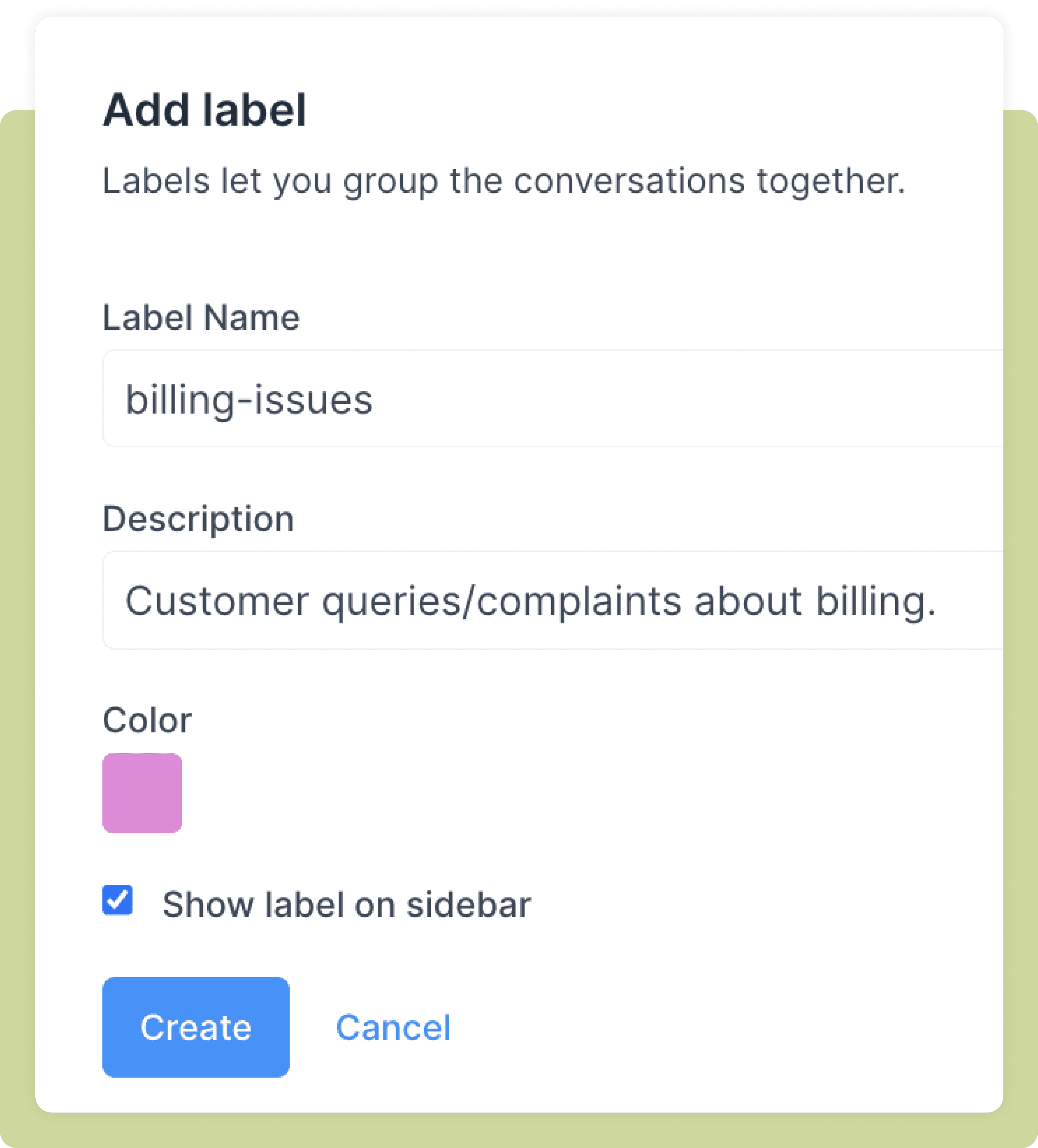
Create and customize your labels
You only need to create your labels once in your Driansh OmniConnect account. Name your labels, give them a description, and choose a colour for distinction.That is all you need to do to activate labels and get more organized. And yes, you can edit them whenever you want.
Instantly label your incoming conversations
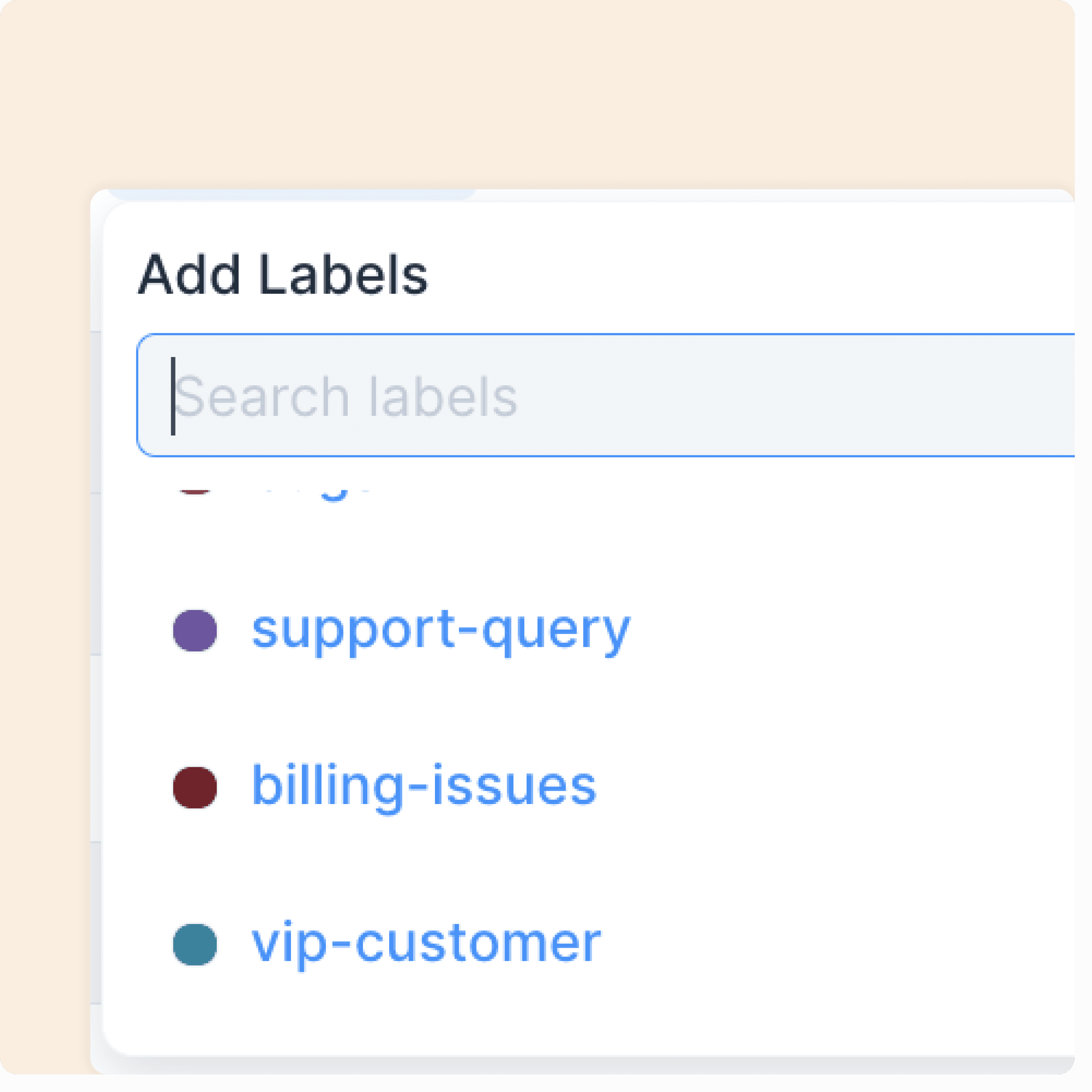
Once you have added your labels to your account, you will be able to see them on your chat s sidebar. You can simply select them to label certain conversations the way you want to
Get an overview of your labels
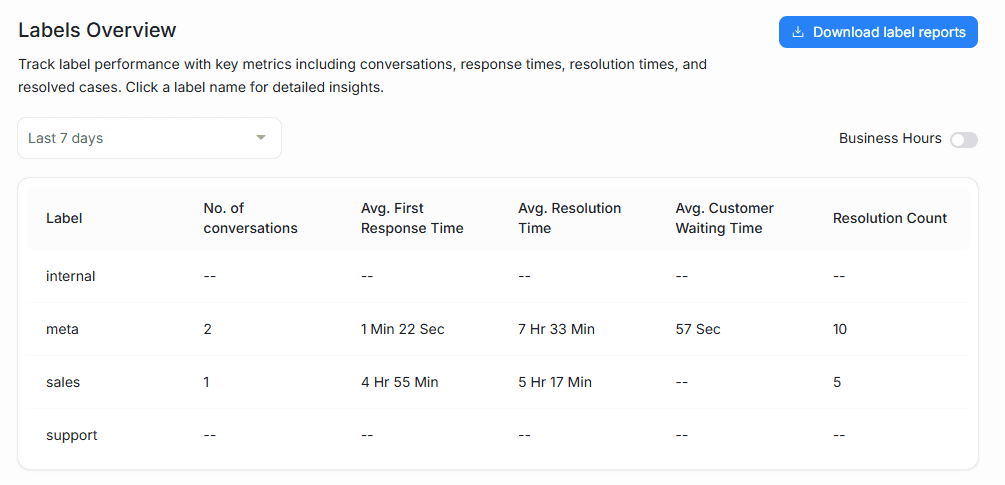
From your dashboard, you can view and download your Labels Report. Just select a certain label to get insights on the metrics associated with it—conversations, messages, First Response Time, Resolution Time and more.