
⌘ + K your way into productivity
The command bar opens up with a simple shortcut, lets you jump to any page or action, and suggests smart actions based on where you are in your dashboard.
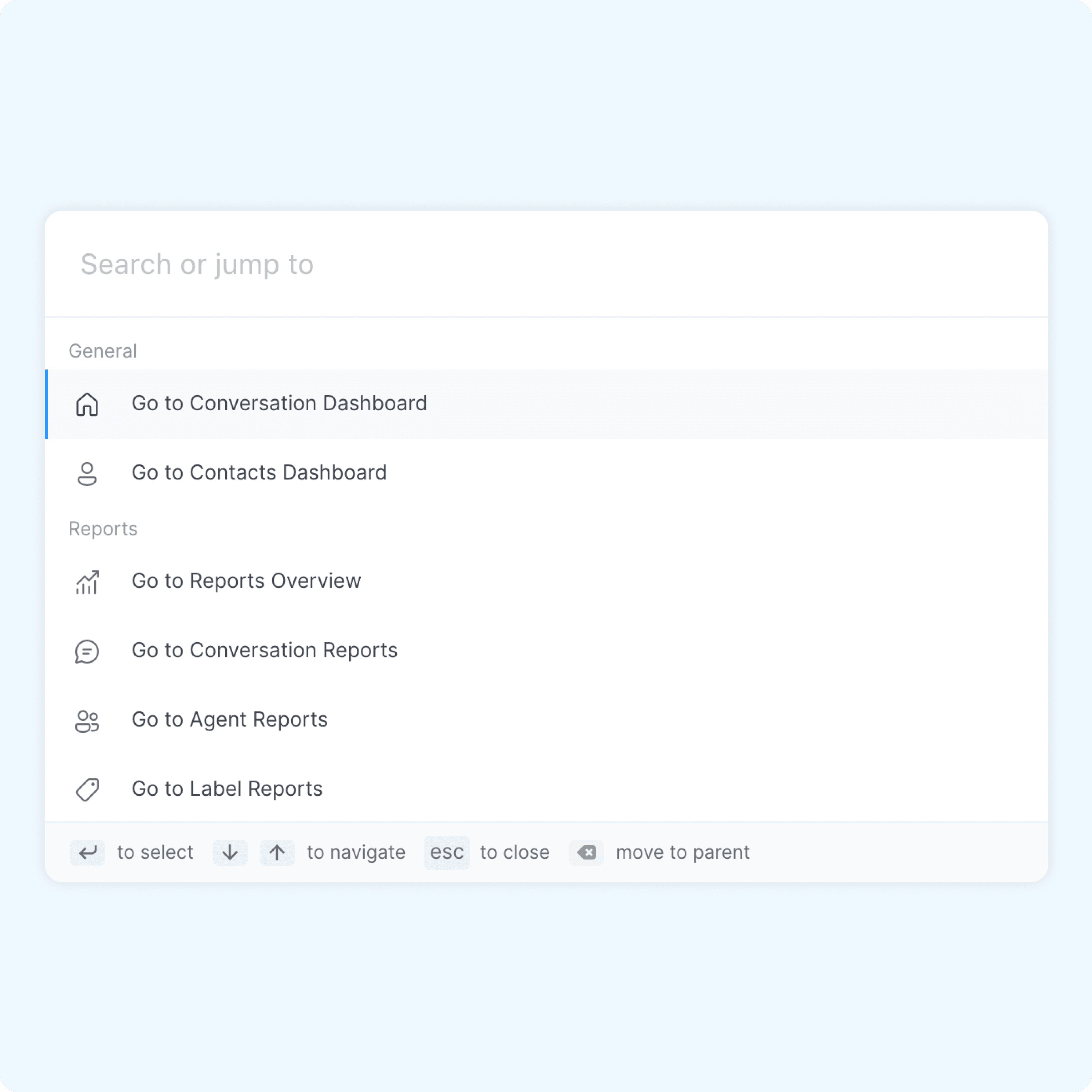
Quick Access
You don’t need to waste a single second trying to navigate through your dashboard. Simply hit Cmd + K or Ctrl + K, type a keyword, and get going.
Swift Navigation
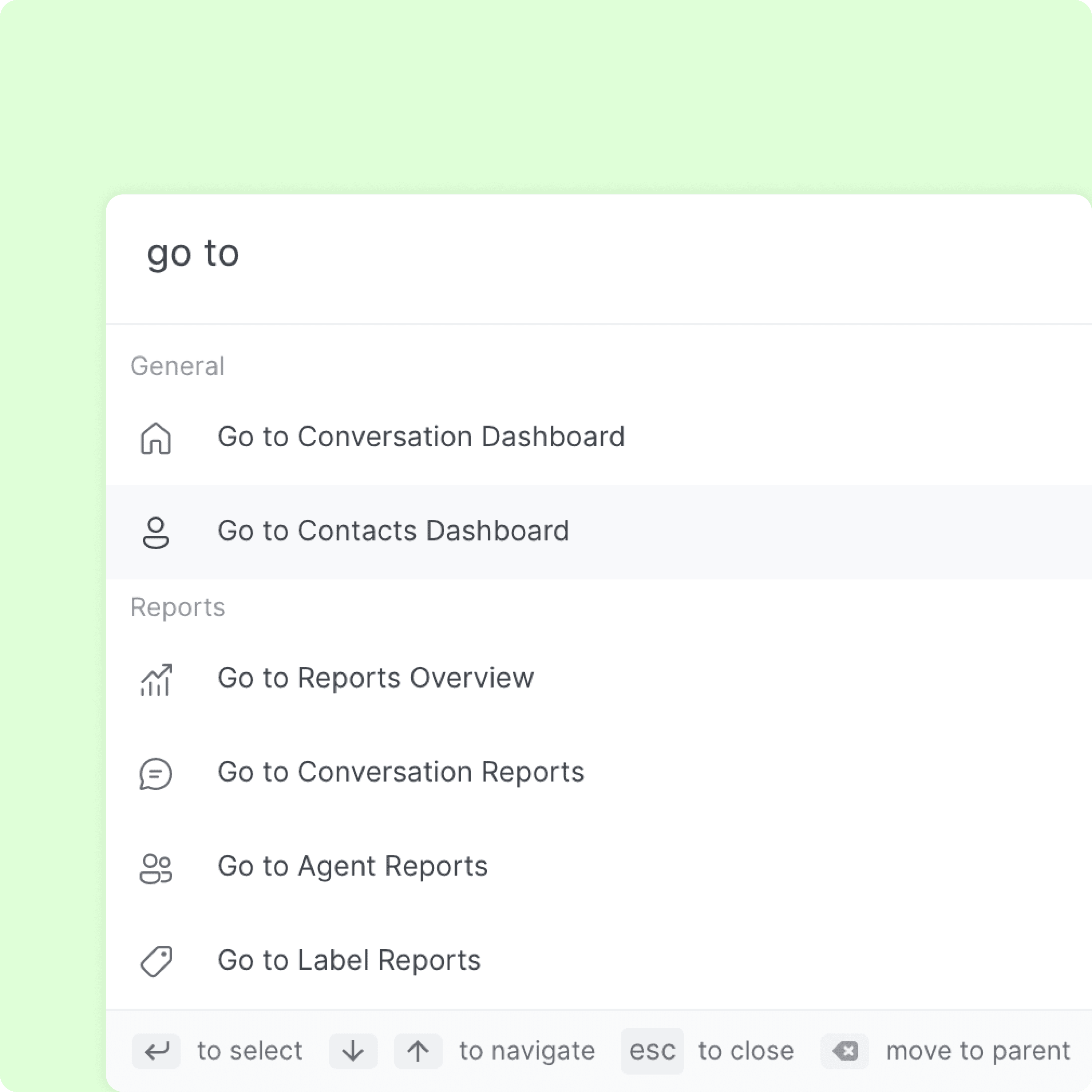
The command bar lets you quickly navigate to pages such as Settings, Reports, Notifications, or anything else. Type the page name, press Enter, and jump there instantly.
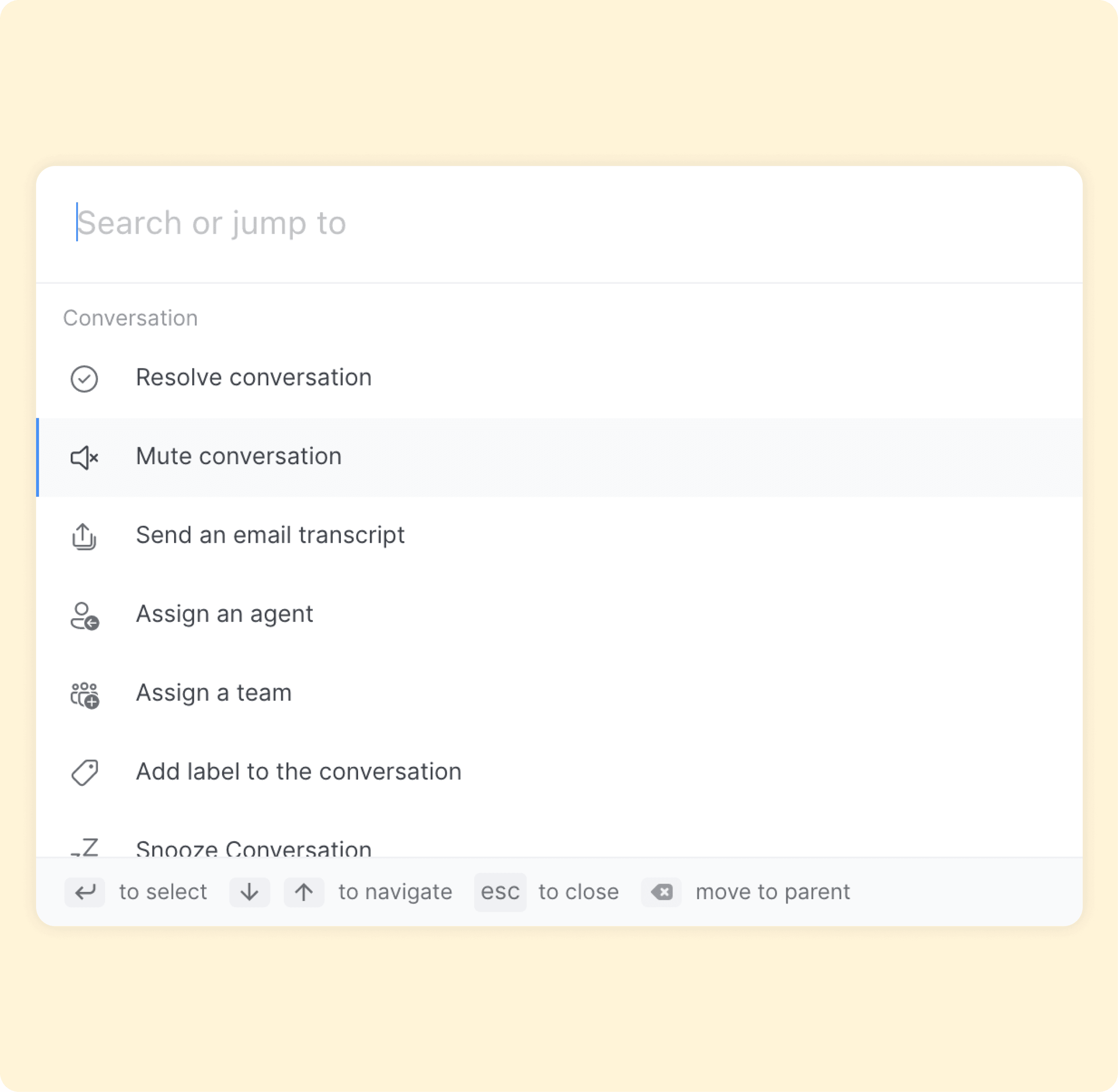
Conversation Actions
Stay aware of where you are in the dashboard and act without lifting your hands from the keyboard. Assign, resolve, snooze, or label conversations directly from the command bar.